Model
Material
Start frame
Describe it
Outputs
How Image to Video works
Everything you need is in the panel on the left.
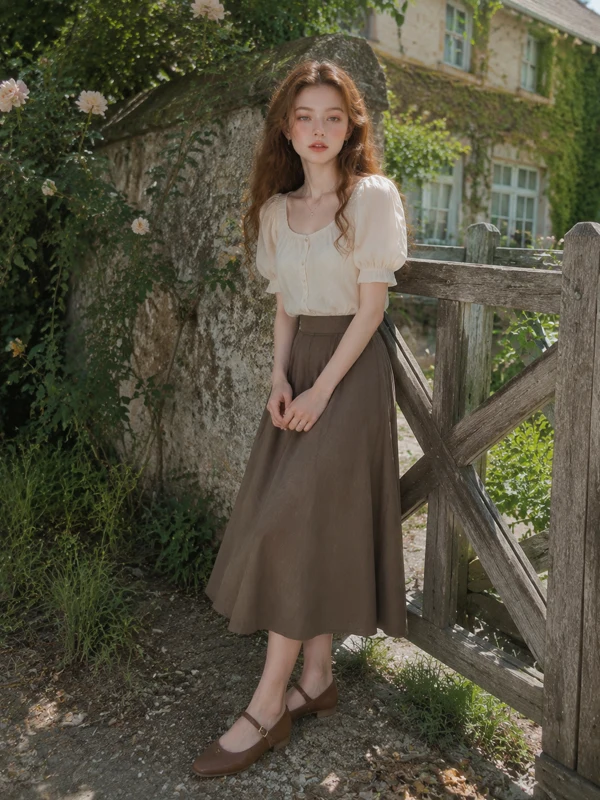 Start frame1Add a photoPut it in the slot on the left. That's the frame we start from.
- e.g. slow push-in, hair moving in the wind, soft golden light…2Say what should moveOne line is enough — a camera move, the wind, a smile.
 Generate3GenerateYour video shows up right here as soon as it's done.