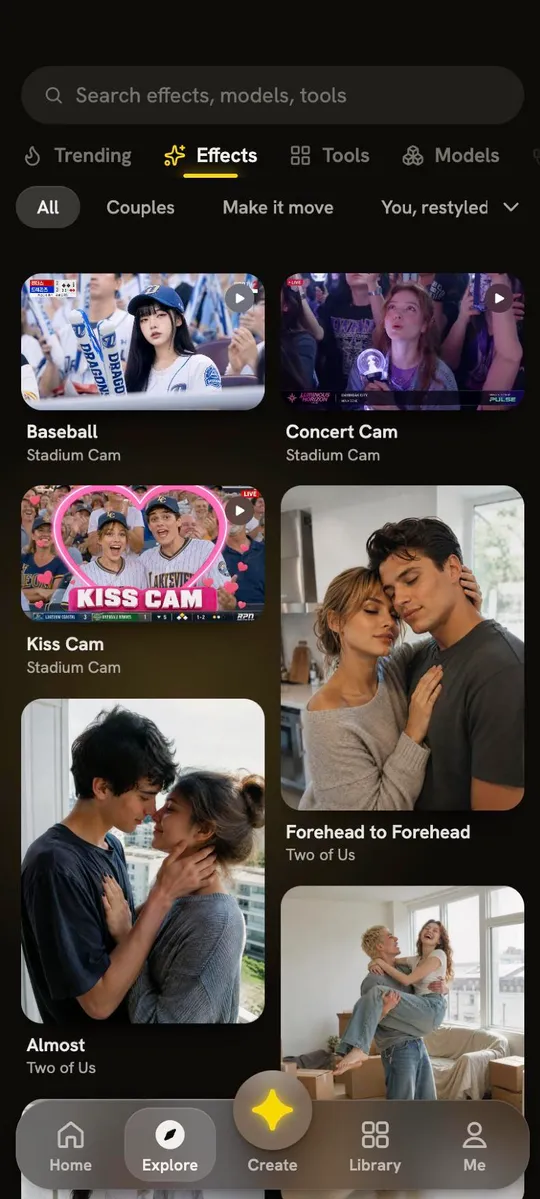

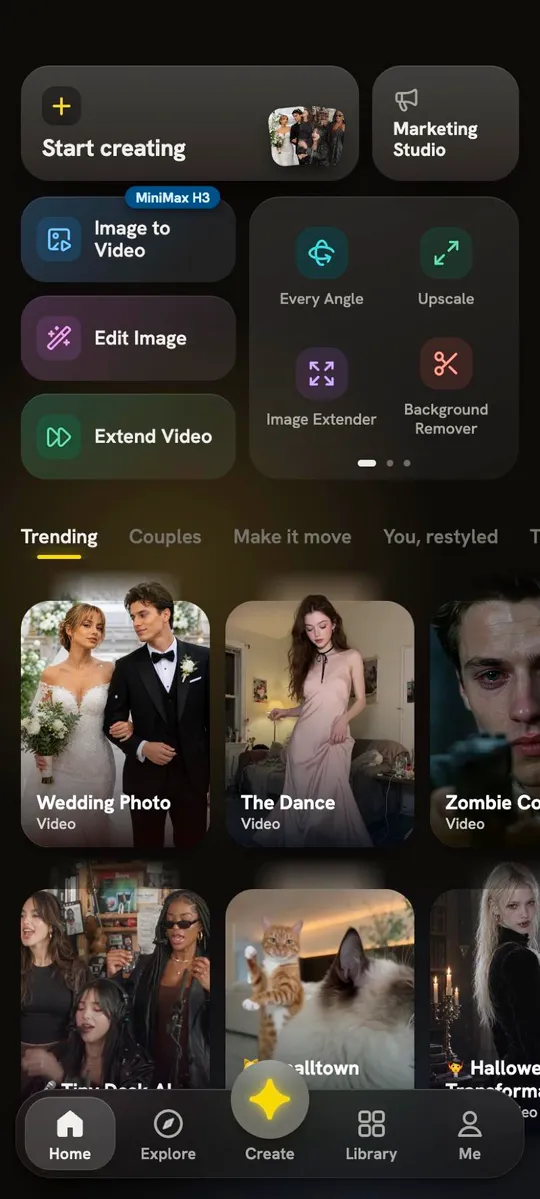

Get the reRAW app
All-in-one AI video & image studio: trending effects, ads and pro workflows.
Everything you love about reRAW, on your phone.

Every top model

One-tap tools
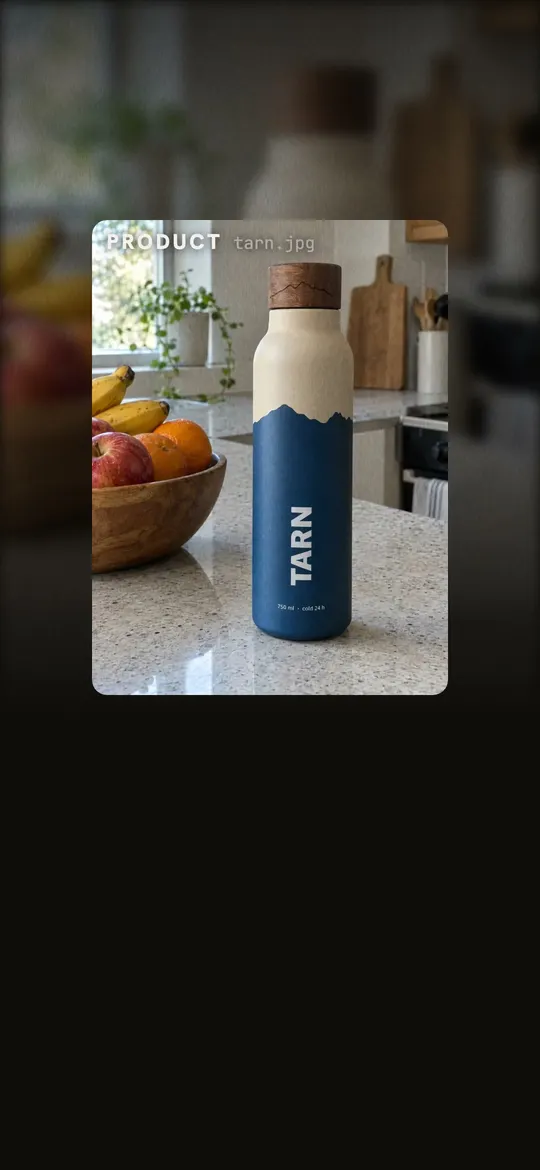
Posters and ads, ready to post
Install in three steps
01
Download
Tap Download and wait for the file to finish.
02
Allow the install
If your phone asks, allow installs from your browser.
03
Open reRAW
Open the file, tap Install, then sign in with your reRAW account.

FAQ
Does the app update itself?
The app keeps itself up to date on its own. Now and then a bigger update needs a new install file — the app will let you know, and you come back here to download it. Your account and everything you've made stay as they are.
Is it the same account as the website?
Yes. Sign in with the account you use on the web and your credits and creations are all there.
Which phones does it work on?
Android phones and tablets running Android 7.0 or later.
What if my phone asks for permission to install?
Android asks before installing an app downloaded from a browser. Tap Settings, turn on Allow from this source, then go back and tap Install.